EN
EN Français
 Nederlands
 Deutsch
 Español
 Italiano
 Português
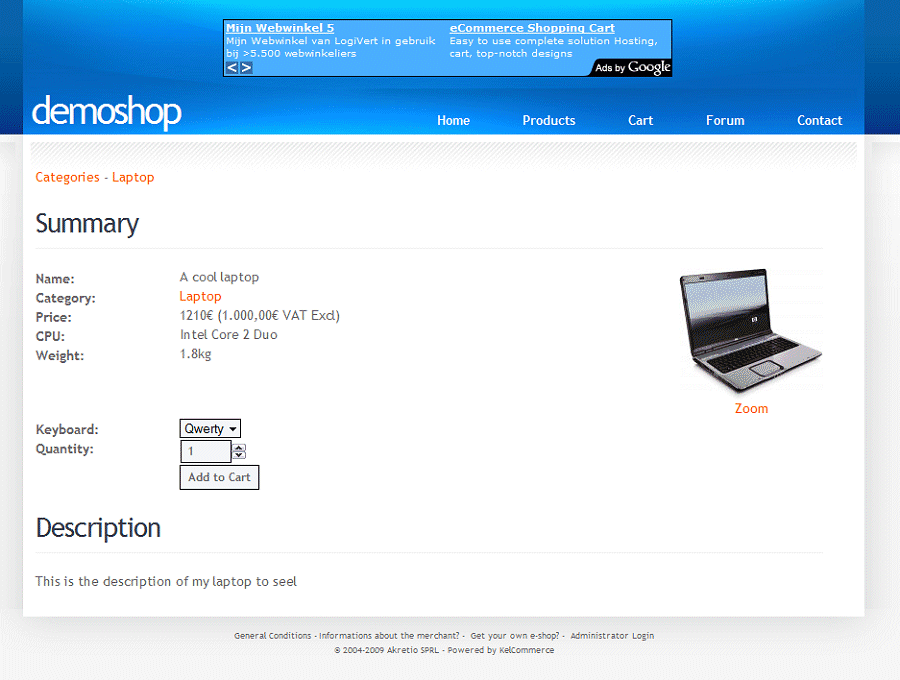
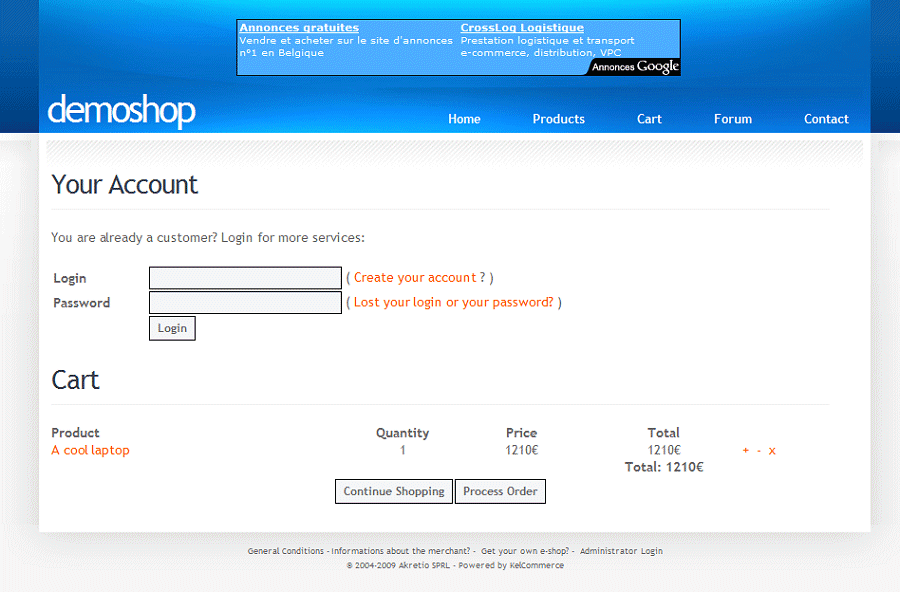
Now that he has products in its basket, he can either create an account if he thinks he will come back on the site, or buy directly without creating an account by clicking "Finish your order.
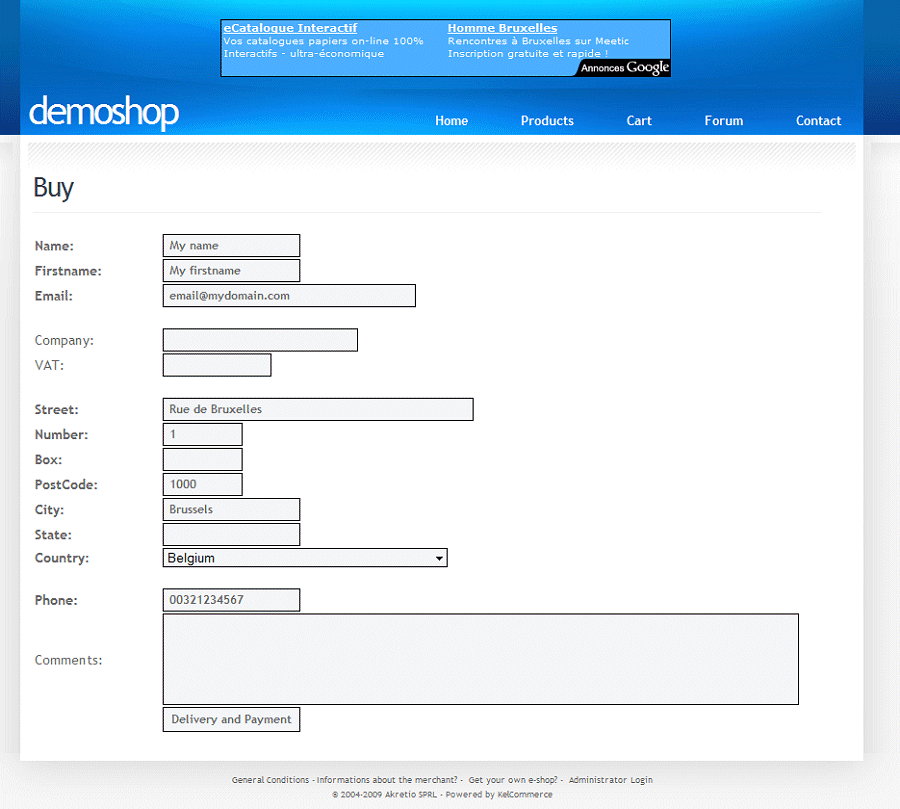
He must then complete the shipping information.
He finally receives a summary of his order and must choose the method of delivery and payment method, while accepting the general conditions.
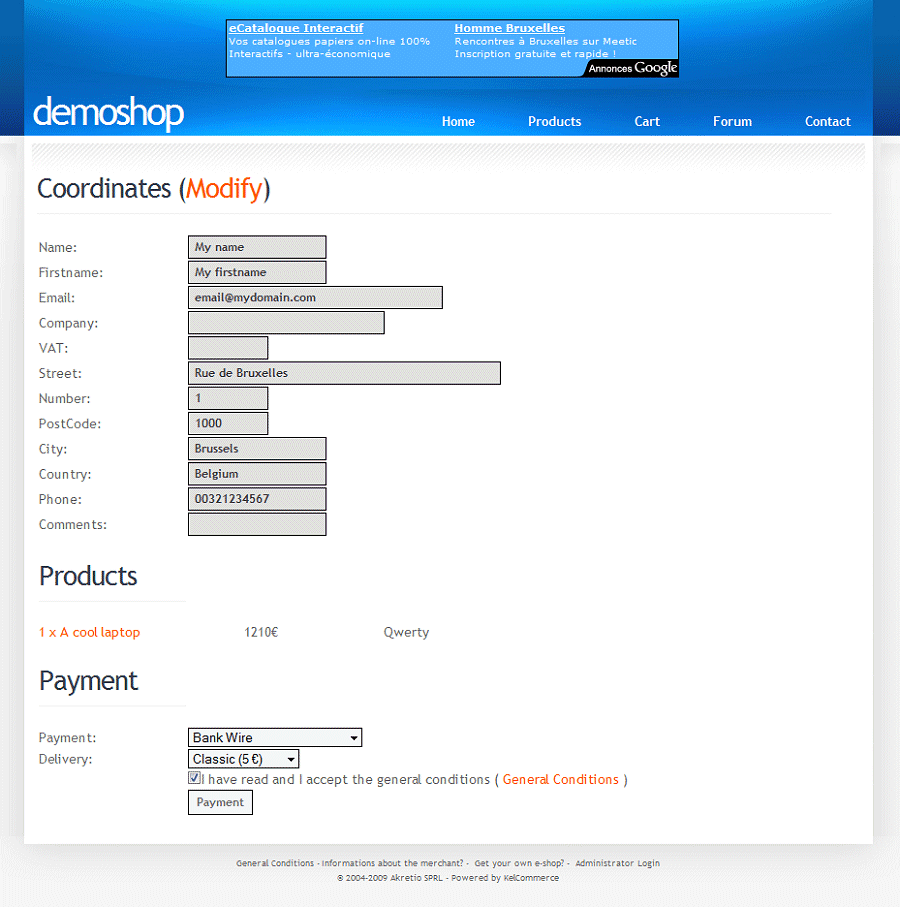
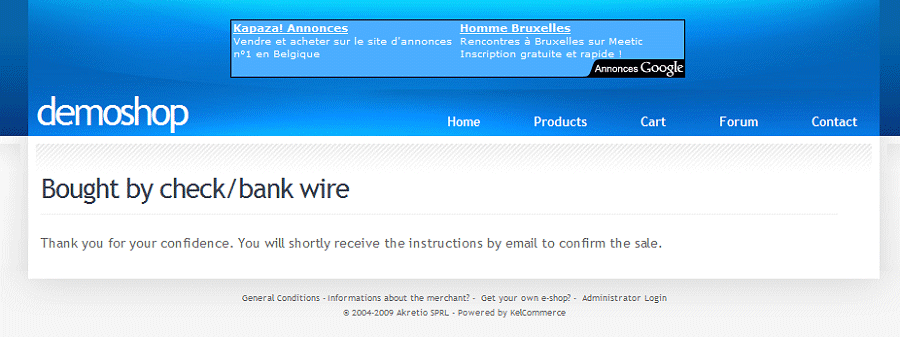
Payment chosen here is a bank wire, so he is directly redirected to a confirmation page and receive information by email to make payment.